Supported blocks
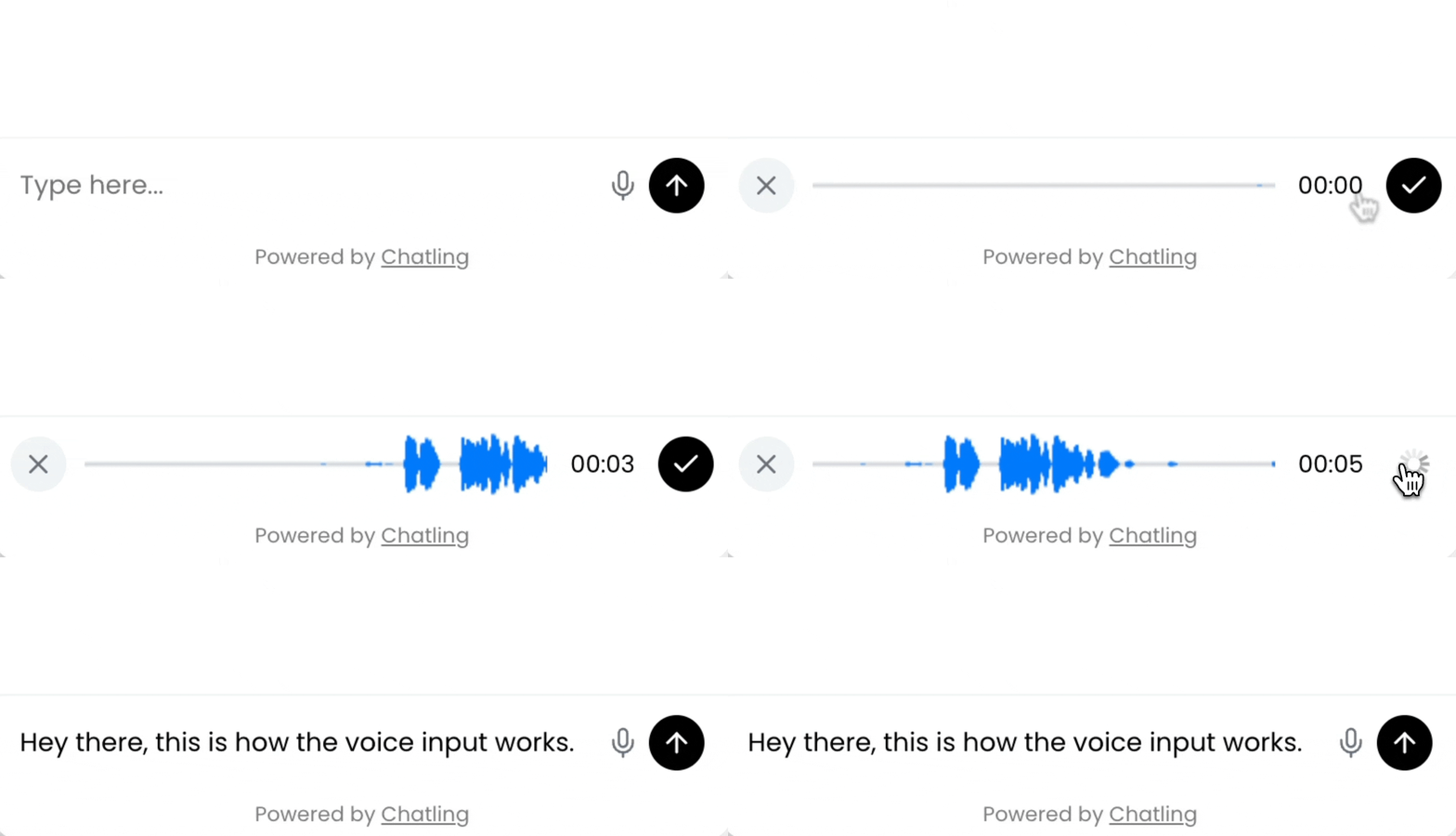
Currently, Voice Input is available for the Text input block only.How to enable Voice Input
Open the block editor for a Text input block and toggle on the “Voice Input” option.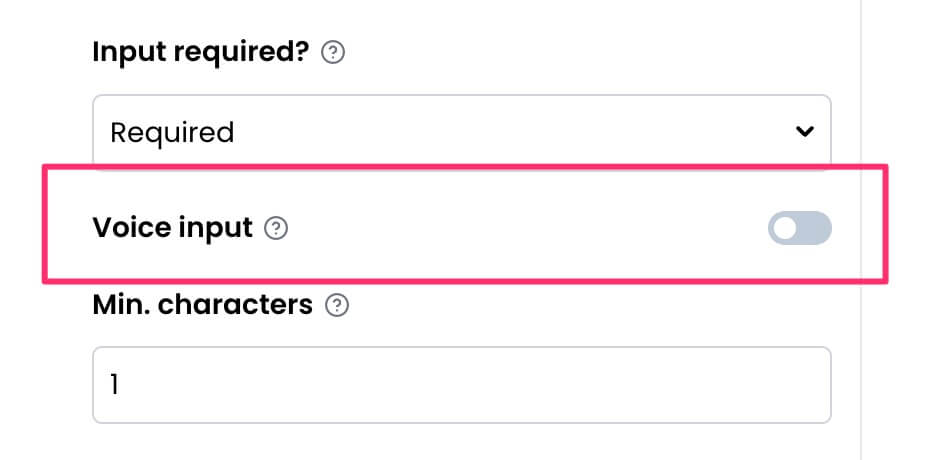 The chatbot will then display a microphone icon when the block is displayed. Users can click on the microphone icon to record a voice message.