

How to allow end-users to download chat transcripts
- Open your chatbot’s dashboard.
- Go to the widget settings.
- Click
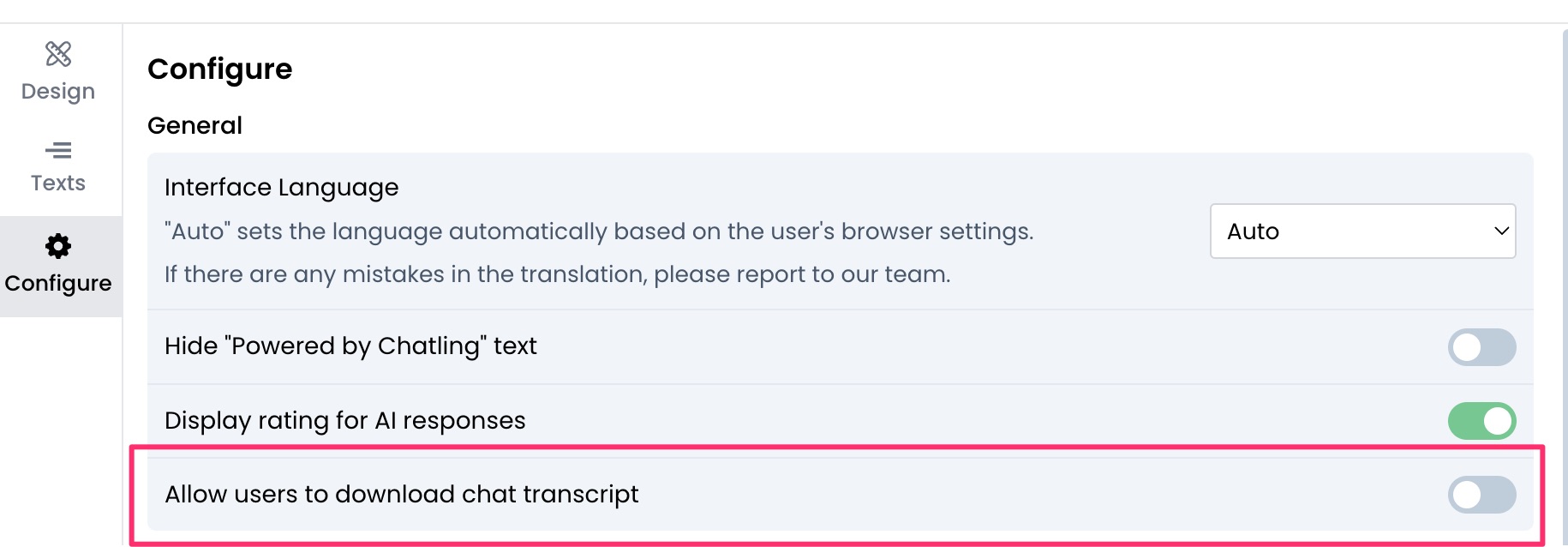
Configurefrom the sidebar.

- Enable
Allow users to download chat transcripts.
- Click
Save.
A guide to enabling chat transcript downloads for end-users.
Configure from the sidebar.
Allow users to download chat transcripts.
Save.