

Delete your account
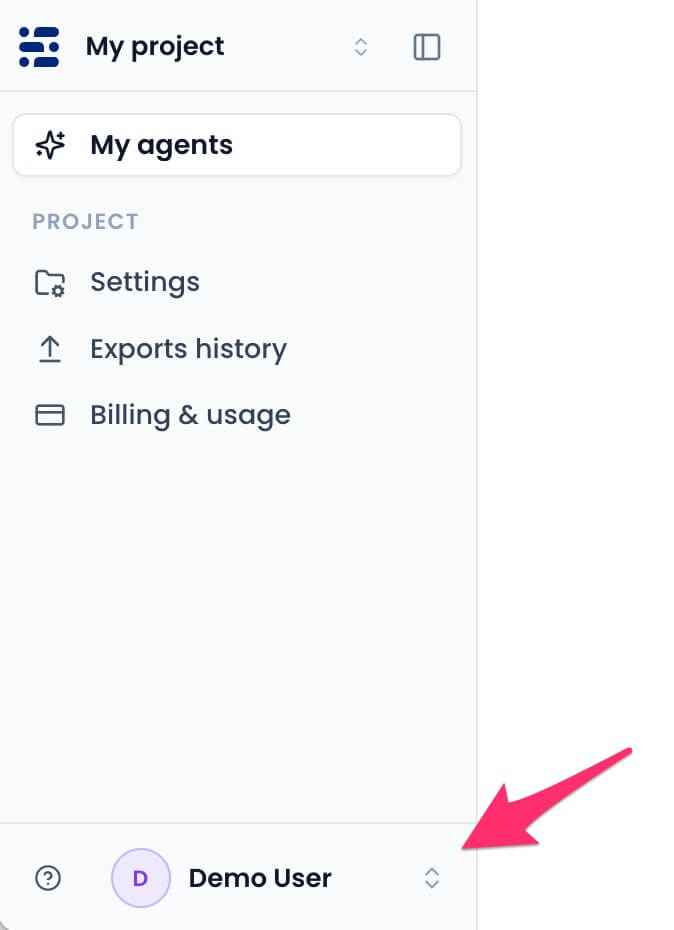
- Click your profile picture in the bottom of the sidebar menu and select
Account settings.
- Select the
Delete accounttab.

- Click
Delete account permanently.

- Enter the confirmation phrase and your current password.
 Your access ends immediately. Projects you own, their chatbots, and associated data are permanently deleted. Active subscriptions are canceled and will not renew.