> ## Documentation Index
> Fetch the complete documentation index at: https://docs.chatling.ai/llms.txt
> Use this file to discover all available pages before exploring further.
# Download transcripts
> A guide to enabling chat transcript downloads for end-users.
If you'd like your chatbot users to have the option to download chat transcripts, you can turn on this feature in the chatbot's appearance settings.
## How to allow end-users to download chat transcripts
1. Open your chatbot's dashboard.
2. Go to the widget designer. To learn how to access it, see [this guide](/web-widget/customize).
3. Click `Configure` from the sidebar.
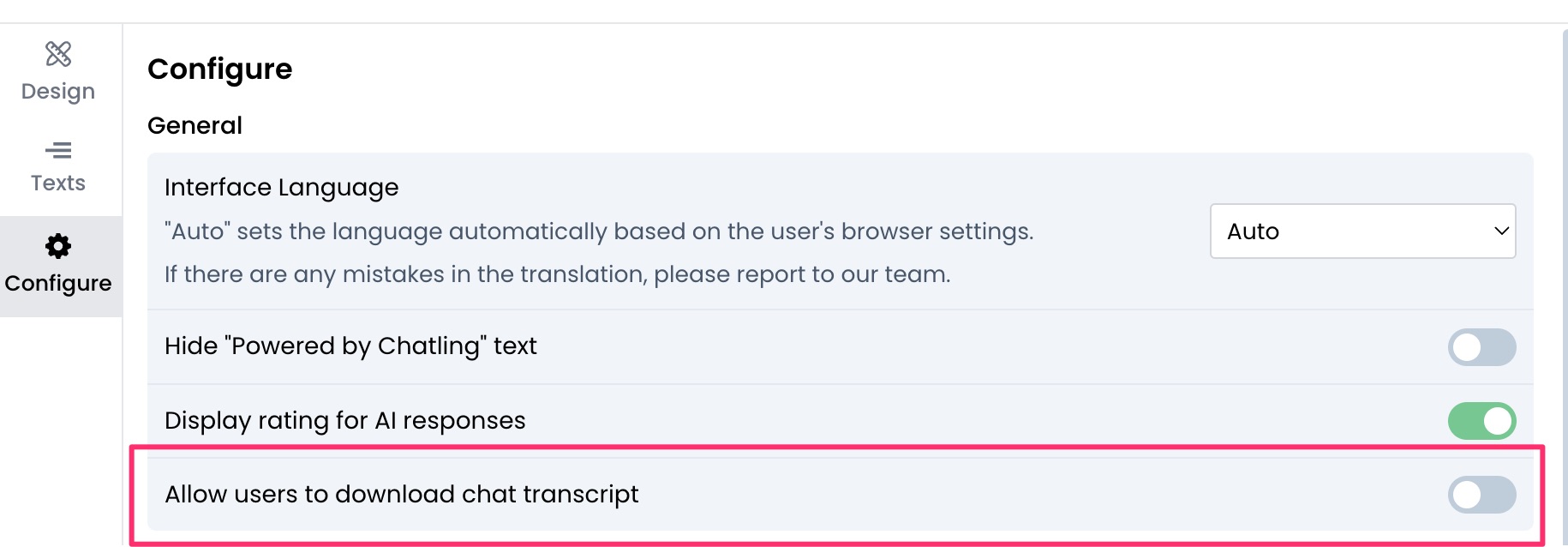
 4. Enable `Allow users to download chat transcripts`.
 5. Click `Save`.