> ## Documentation Index
> Fetch the complete documentation index at: https://docs.chatling.ai/llms.txt
> Use this file to discover all available pages before exploring further.
# How to duplicate a chatbot or agent
> Learn how to duplicate a chatbot/agent to create a copy of it.
You can duplicate chatbots or agents and create copies of them to use as templates or to make changes without affecting the original bot. This can be useful if you want to experiment with different configurations or create a backup of your bot.
By duplicating a chatbot or agent, all its settings, appearance, and builder configurations will be copied to the new chatbot. You can then make changes to the duplicated chatbot without affecting the original one.
## Duplicating a chatbot
1. Go to your project's dashboard where you can view all your chatbots and agents.
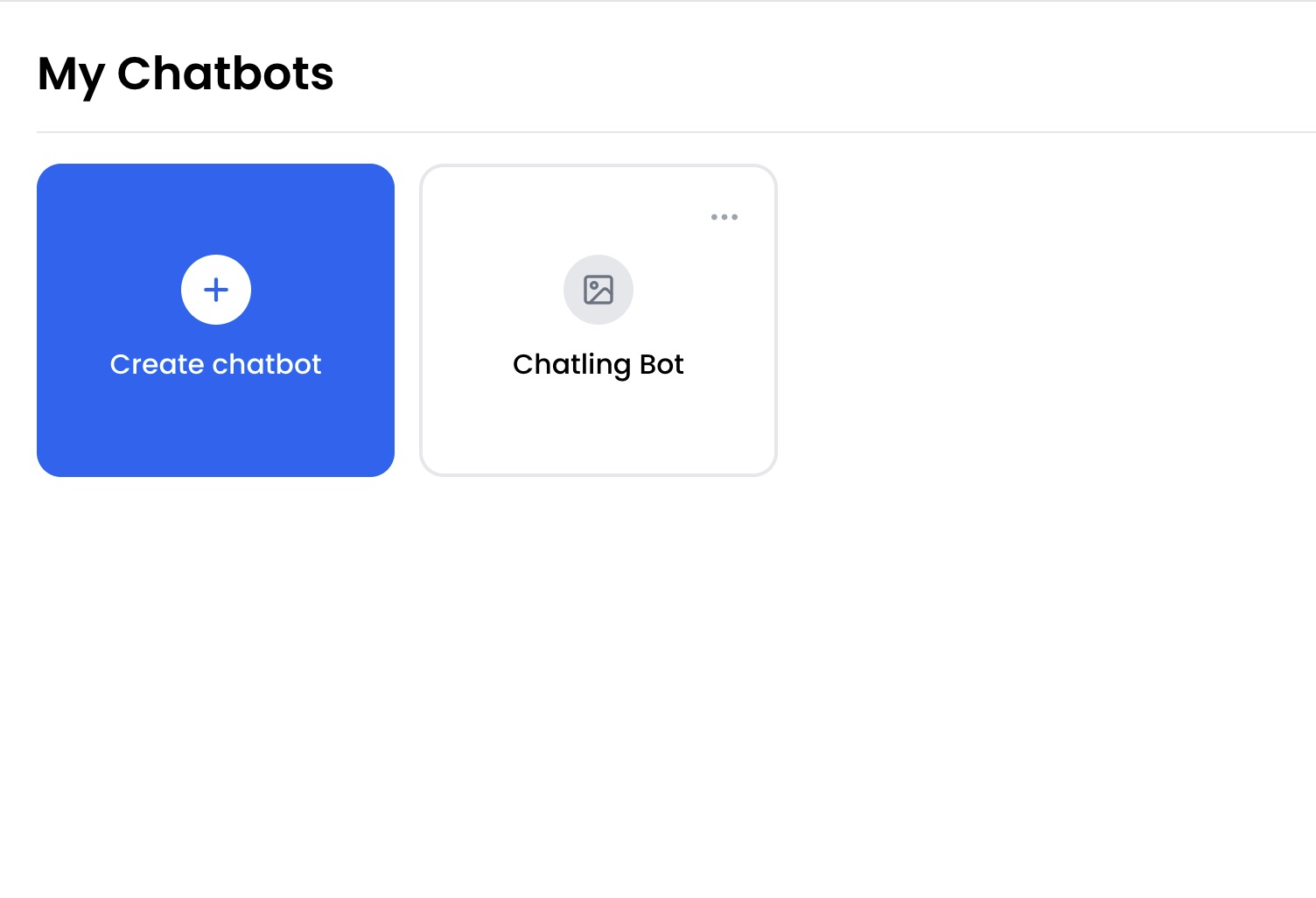 2. Click on the ellipsis `...` icon next to the chatbot or agent you want to duplicate.
 3. Select the `Duplicate` option from the dropdown menu.
